PDF · Image · 100% in-browser

Every PDF tool.
Just right.

Merge, split, compress, remove watermarks, protect with a password and more — a complete toolkit that runs entirely in your browser. No installs, no uploads, no waiting.

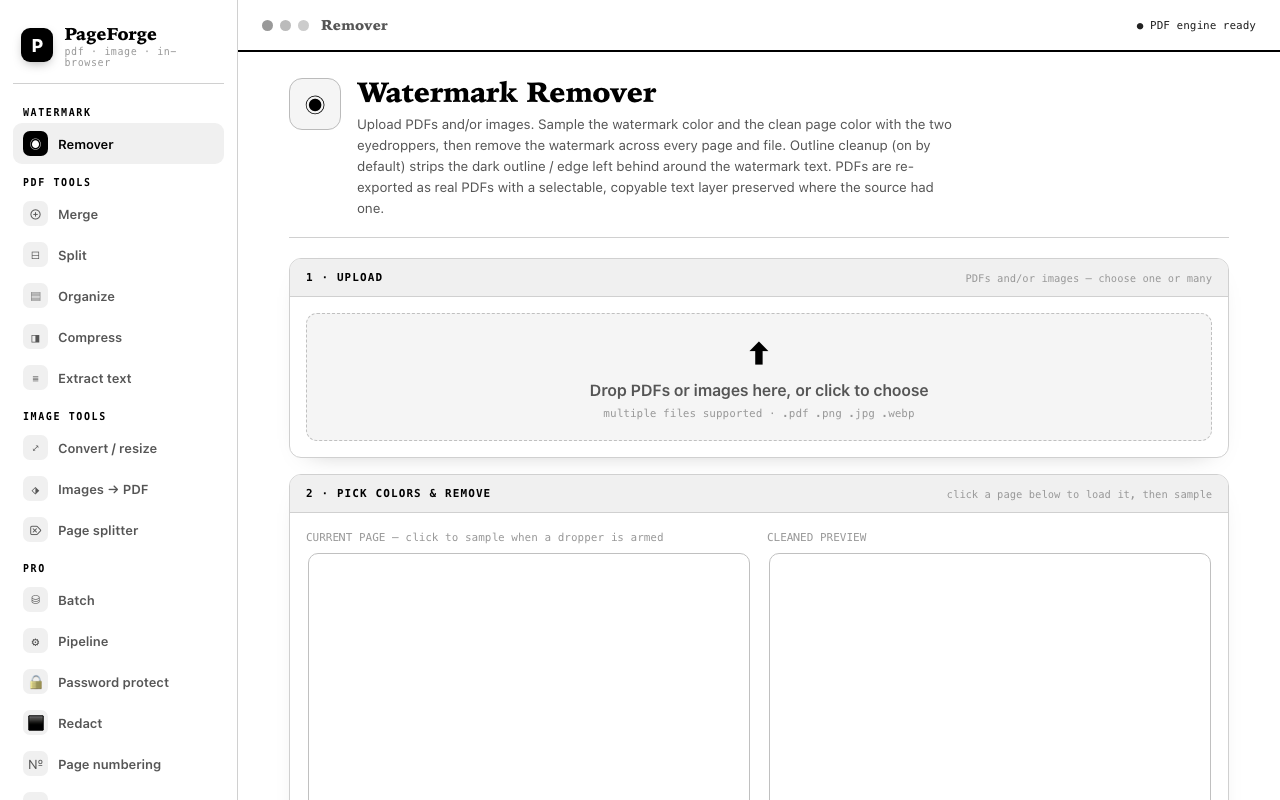
PageForge watermark remover
The Watermark Remover — sample the watermark color, clean every page, export a real PDF.
Pro
Batch mode

Clean fifty files at once.

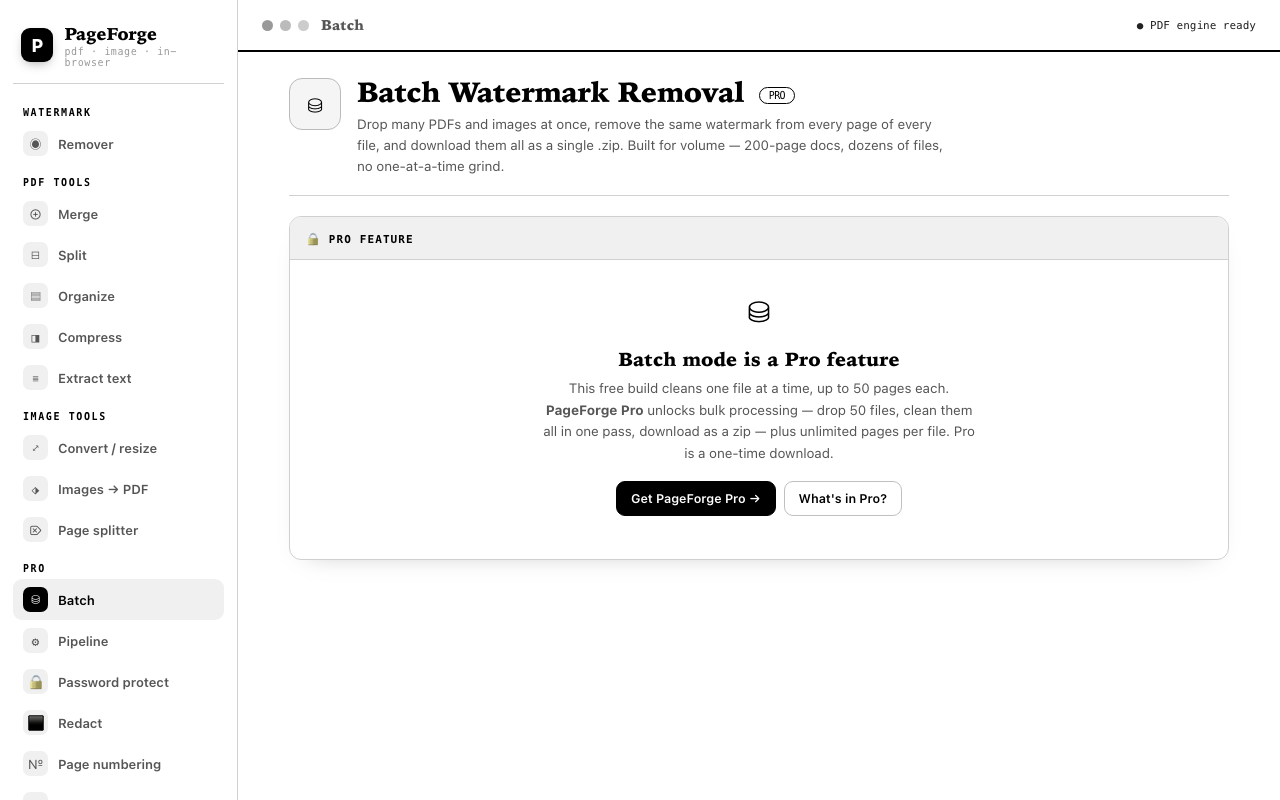
Drop as many PDFs and images as you like, set the watermark and page colors once, and clean every page of every file in one pass. Everything comes back as a single ZIP.

  • Drag in dozens of files — no one-at-a-time grind
  • Reuses the colors and tolerance from the Remover tab
  • Downloads all cleaned files as one .zip
PageForge batch mode
Batch — drop many files, clean everything, get one ZIP.
The toolkit

Every tool, right where you need it.

Fourteen tools, one consistent workflow. Here's how the most-used ones look.

Watermark removal

Clean pages, dialed in.

Sample the watermark color and the page color with two eyedroppers, tune tolerance, and remove the watermark across every page and file. Outline cleanup strips the dark edge left behind — and PDFs export with a selectable text layer preserved.

  • Color-key or inpaint modes for overlapping content
  • Live before/after preview while you work
  • Exports real PDFs, not flattened images
PageForge watermark remover interface
Watermark Remover — eyedropper sampling, tolerance, outline cleanup.
Merge

Your documents, your order.

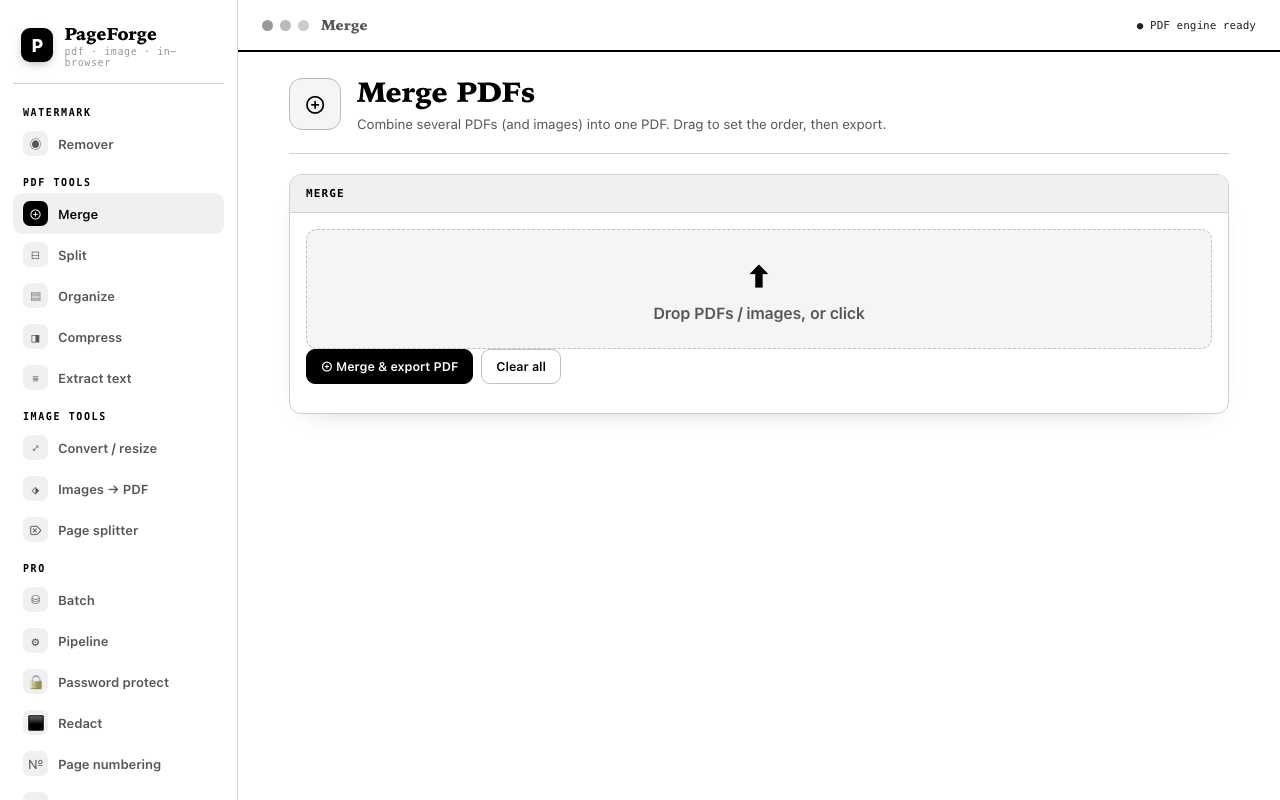
Drop in PDFs and images, drag to arrange them, and export a single polished PDF. Thumbnails with drag-to-reorder make it visual, not fiddly.

  • PDFs and images mixed in one merge
  • Drag-to-reorder thumbnails
  • One-click export
PageForge merge PDFs interface
Merge — drop files, drag to set order, export.
Split

Break a PDF into pieces.

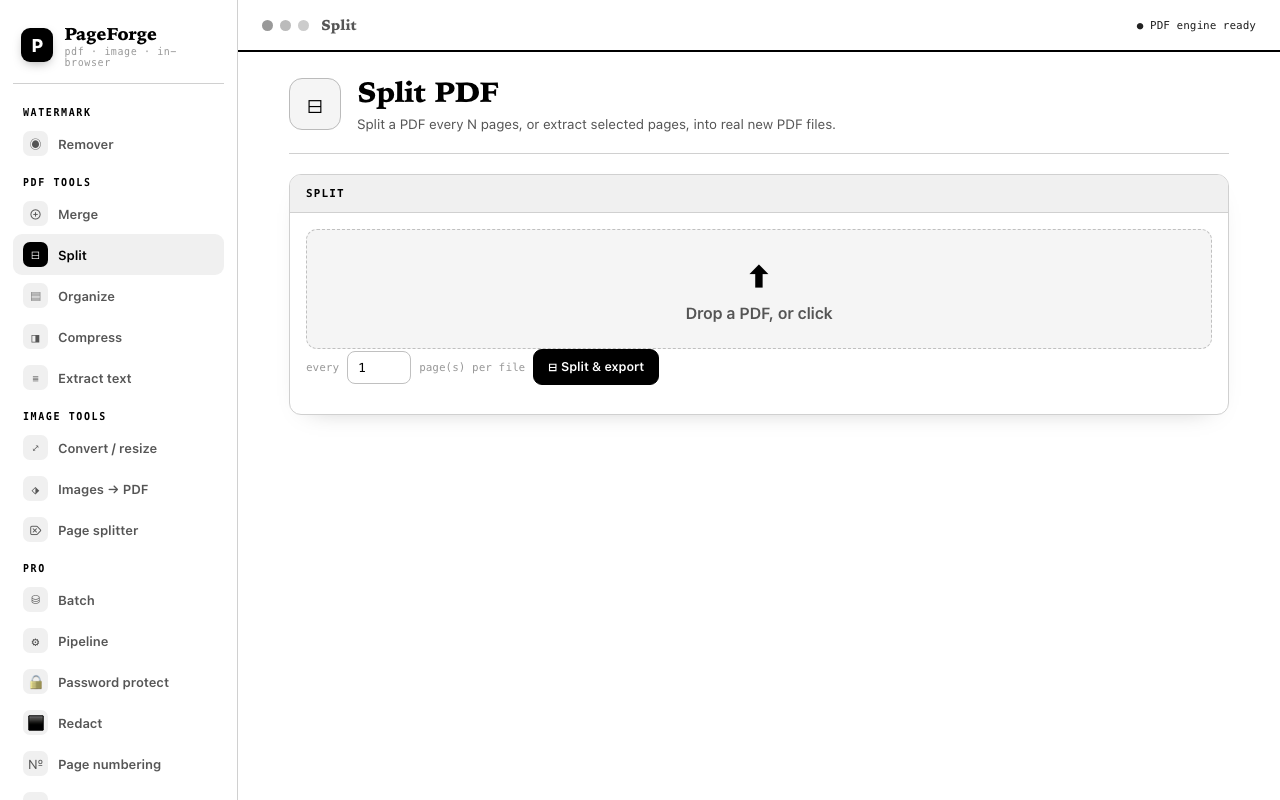
Split a long PDF into separate files by page ranges, or select exactly the pages you want and extract them into their own document.

  • Split by fixed page counts
  • Select pages and extract only those
  • Drag to reorder before exporting
PageForge split PDFs interface
Split — choose pages, extract or split into files.
Images → PDF

Pictures into a real document.

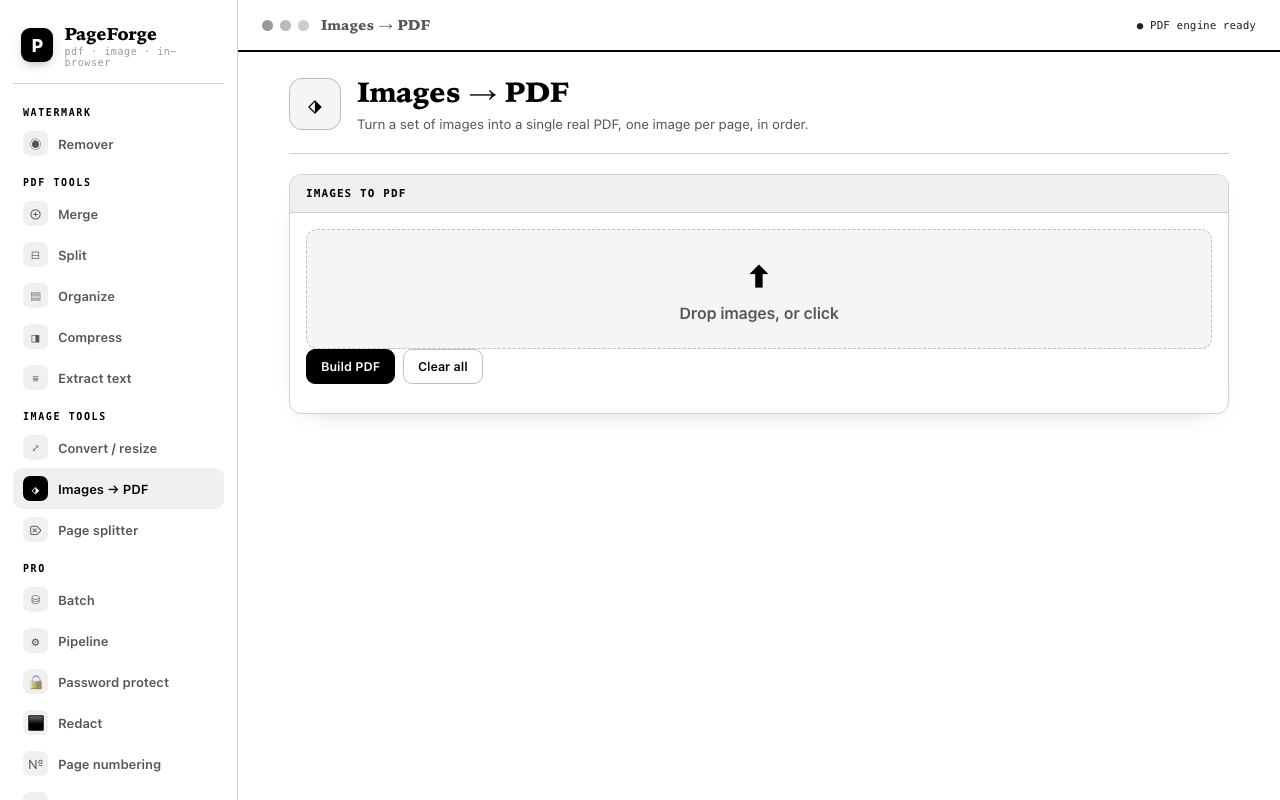
Stack any number of images — scans, screenshots, photos — and build a clean PDF in the order you choose.

  • Reorder images with drag-and-drop
  • PNG, JPEG and WebP supported
  • Exports a proper, shareable PDF
PageForge images to PDF interface
Images → PDF — build a PDF from images, in your order.
PageForge Pro
Power tools for the heavy days

The Pro toolkit, unlocked.

Annual subscription at A$15/year. Batch, pipelines, password protection, redaction and numbering — on top of everything in the free build.

Pipeline

Chain tools in one pass.

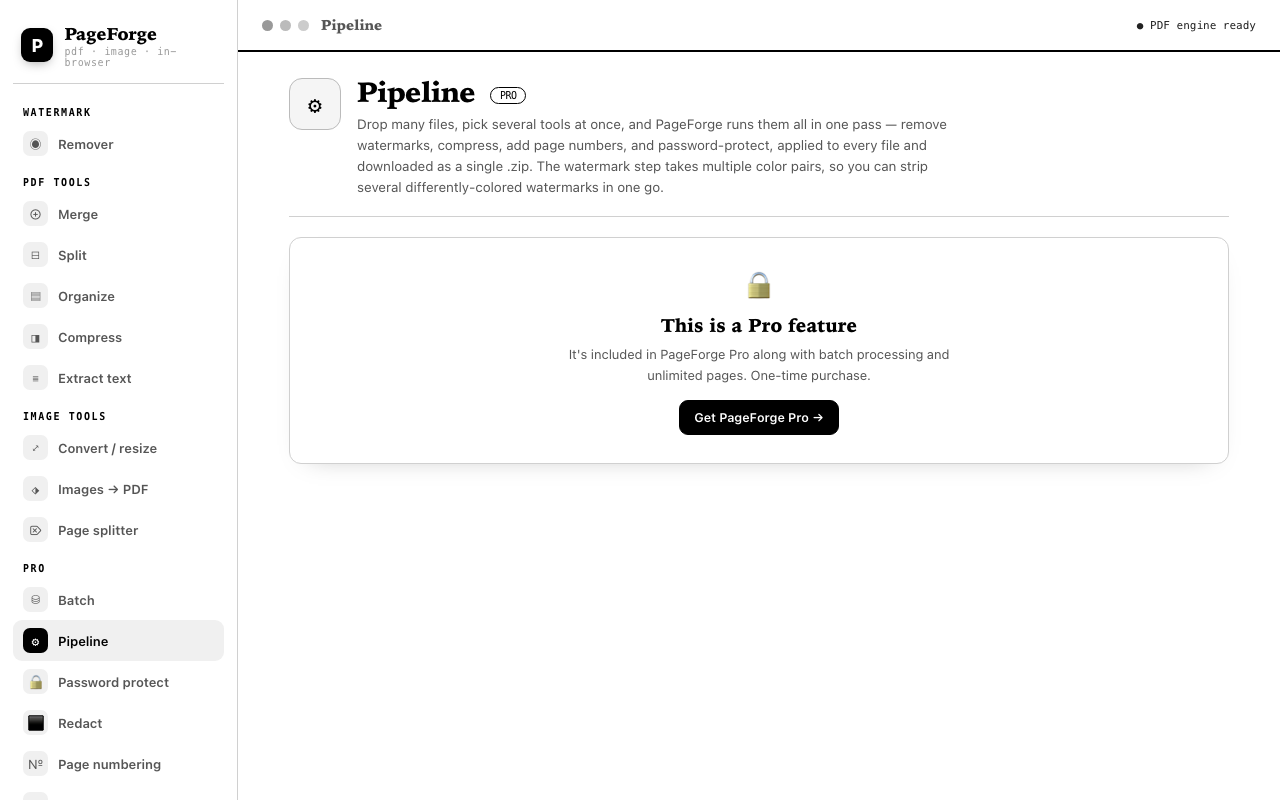
Set multiple watermark color pairs and run them across your files in a single pipeline — perfect when different documents need different cleaning settings.

  • Multiple color pairs per run
  • Runs every file through every step
  • Downloads the results as one ZIP
PageForge pipeline interface
Pipeline — chain multiple watermark color pairs in one pass.
Password protect

Lock your PDFs before you share.

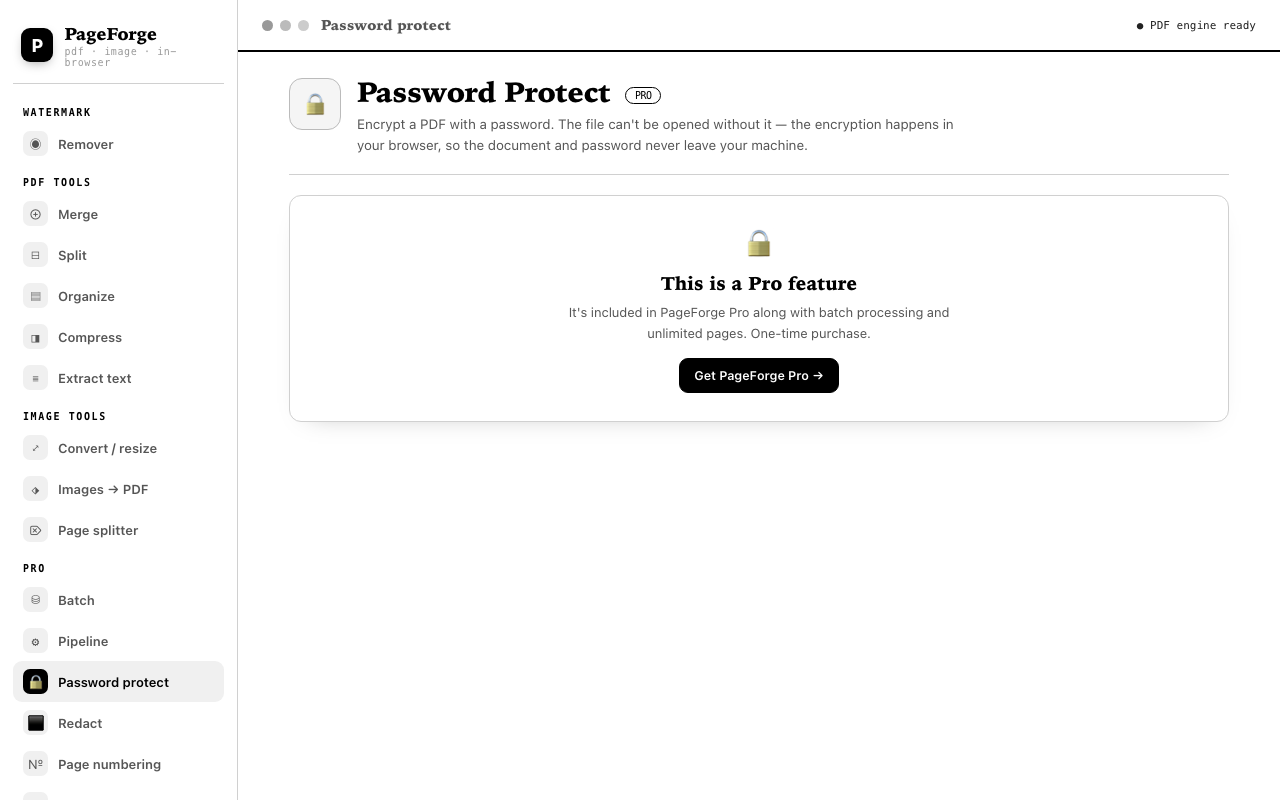
Encrypt any PDF with a password right in the browser. The file prompts for the password on open — and nothing ever touches a server.

  • Real AES encryption, done locally
  • Owner + user password support
  • Works offline
PageForge password protect interface
Password Protect — encrypt any PDF before sharing.
Redact

Remove content for good.

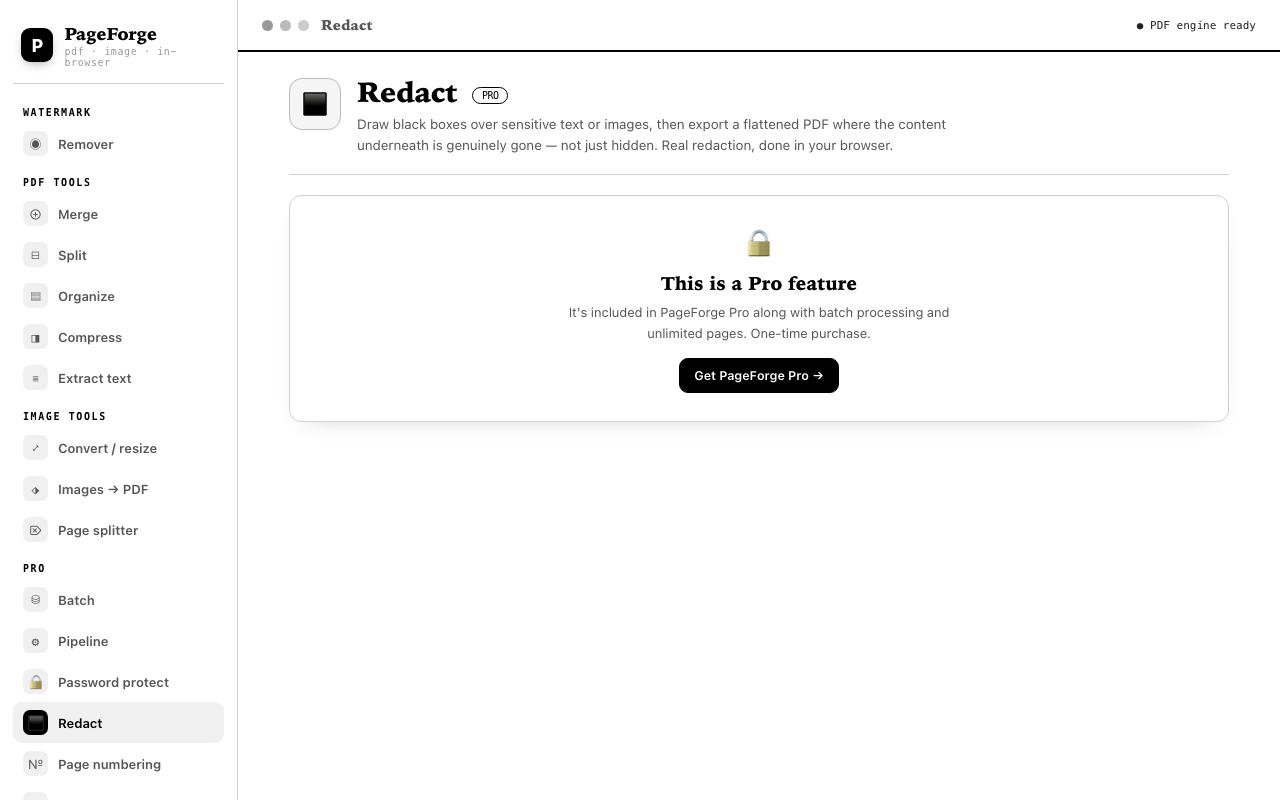
Drag black boxes over sensitive text — names, numbers, addresses — and export. The covered content is permanently burned out of the file, not just hidden.

  • Drag-to-mark redaction boxes per page
  • Undo and per-page controls
  • Flattened output — content underneath is gone
PageForge redact interface
Redact — permanently remove sensitive content.
Page numbering

Number pages your way.

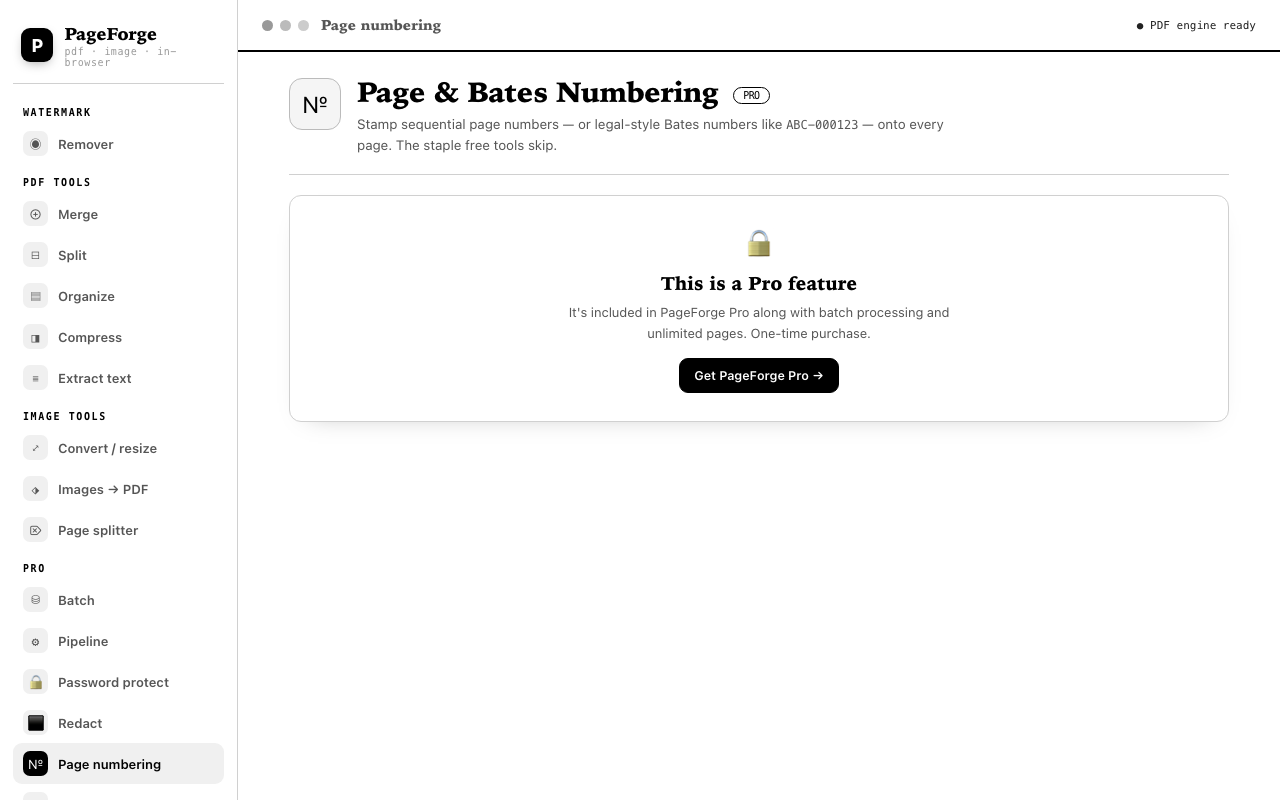
Add page numbers, "Page X of Y", or legal Bates numbers — choose the style, position, prefix, start value and padding.

  • Page numbers or Bates numbering
  • Choose position and font size
  • Custom prefixes and zero-padding
PageForge page numbering interface
Numbering — page numbers or Bates, in any style.

Free

$0
For light, occasional work.
  • All core tools, unlimited uses
  • Watermark removal, merge, split
  • Images → PDF, convert, compress
  • 50 pages per file
  • Batch processing
  • Pipeline, password protect, redact
  • Page & Bates numbering
Use it now — free
Annual subscription

Pro

A$15 /year · recurring
Unlock everything with a recurring annual subscription. Cancel anytime.
  • Everything in Free
  • Batch + pipeline processing
  • Password protect & redact
  • Page & Bates numbering
  • Unlimited pages per file
  • Instant activation after purchase
Subscribe to PageForge Pro →
FAQ

Questions, answered.

Does PageForge work offline?

Yes. The entire toolkit runs in your browser with locally bundled libraries. Open the app once, and it keeps working with no internet connection.

Are my files uploaded anywhere?

Never. Files are processed on your own device — nothing is uploaded, stored, or tracked. That's the point.

What's the difference between Free and Pro?

The free build includes all nine core tools with a 50-page-per-file cap. Pro is an annual subscription at A$15/year that adds batch processing, a chained pipeline, password protection, redaction, page numbering, and unlimited pages.

How does Pro activation work?

After purchase, Pro is instantly linked to your account. Just log in and all Pro tools are unlocked.

Do I need an account or subscription?

An account is required for Pro so your annual subscription can follow you across devices. Subscribe at A$15/year and cancel anytime.